
Merge the ducks. Build the golden one.
Chibi Duckz 2048 is a swipe-and-merge puzzle for iPhone, iPad and Android. Every time two matching tiles join, your duck gets one piece closer to finished: an egg at 2, feet at 8, a beak at 256, and a golden duck at 2048.
Free on iPhone, iPad and Android.
Build a duck from egg to gold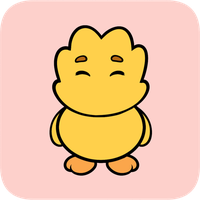
Each tile is the same duck, a little further along. Merge two of a kind and the next piece snaps on, so you can read the board at a glance.
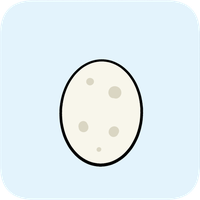 2Egg
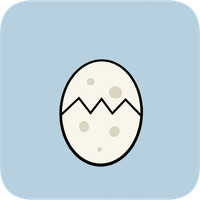 4Cracked egg
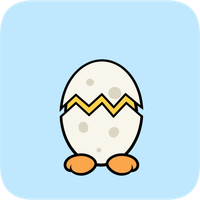 8Feet poke out
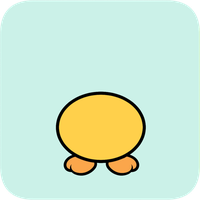 16Body
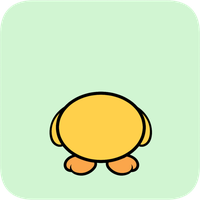 32Wing
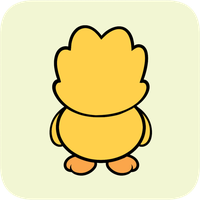 64Head
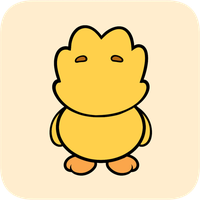 128Eyes
- 256Beak
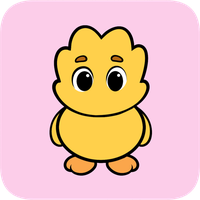 512Tail feathers
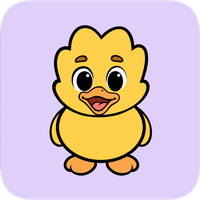 1024Color and cheeks
- 2048The golden duck
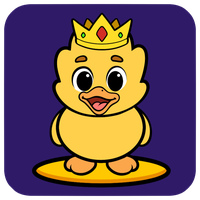
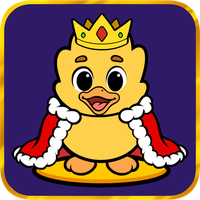 4096Bonus: a crown
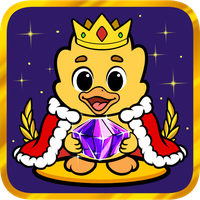 8192Bonus: cosmic
Finished the golden duck? Tap Keep Going and chase the crown.
Inside the game
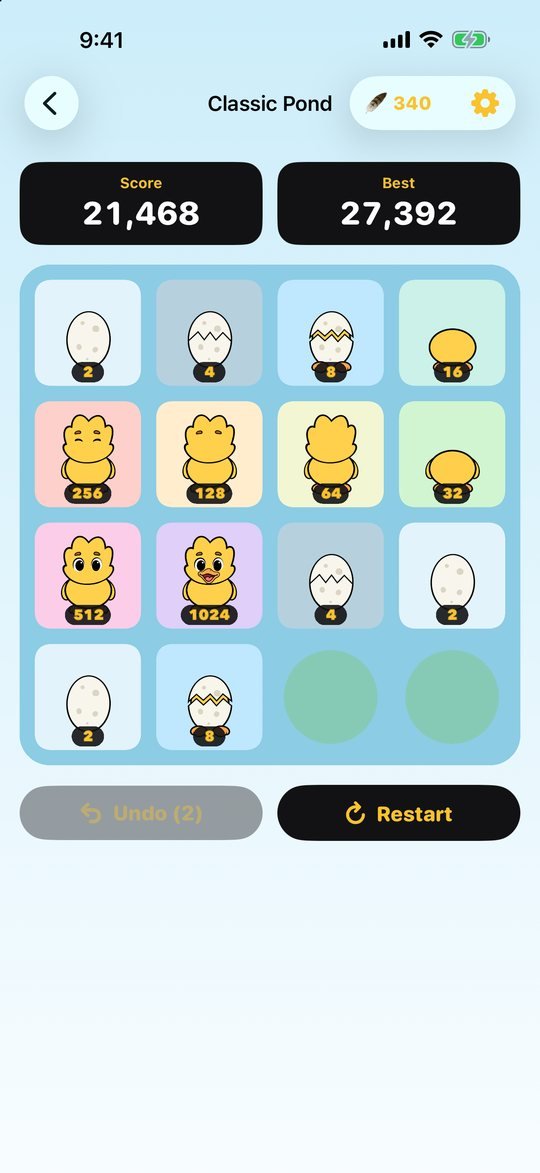
Real screens from Chibi Duckz 2048.
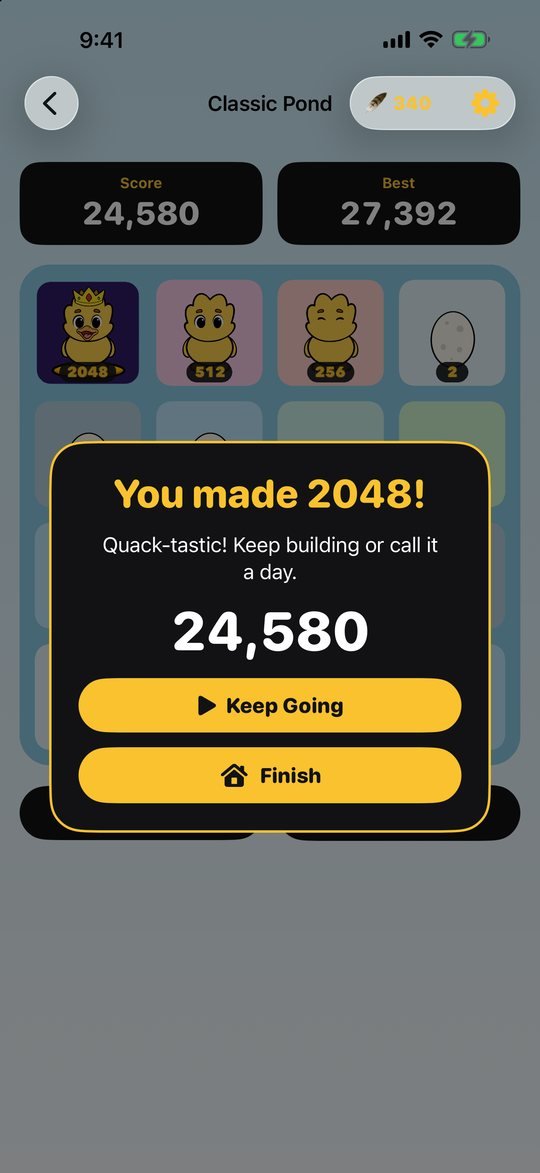
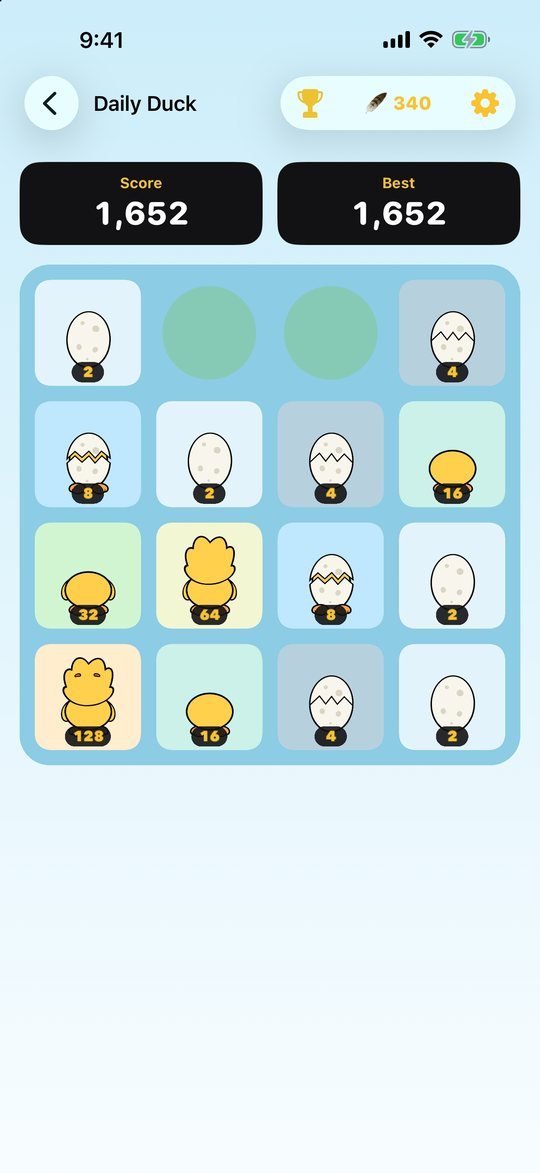
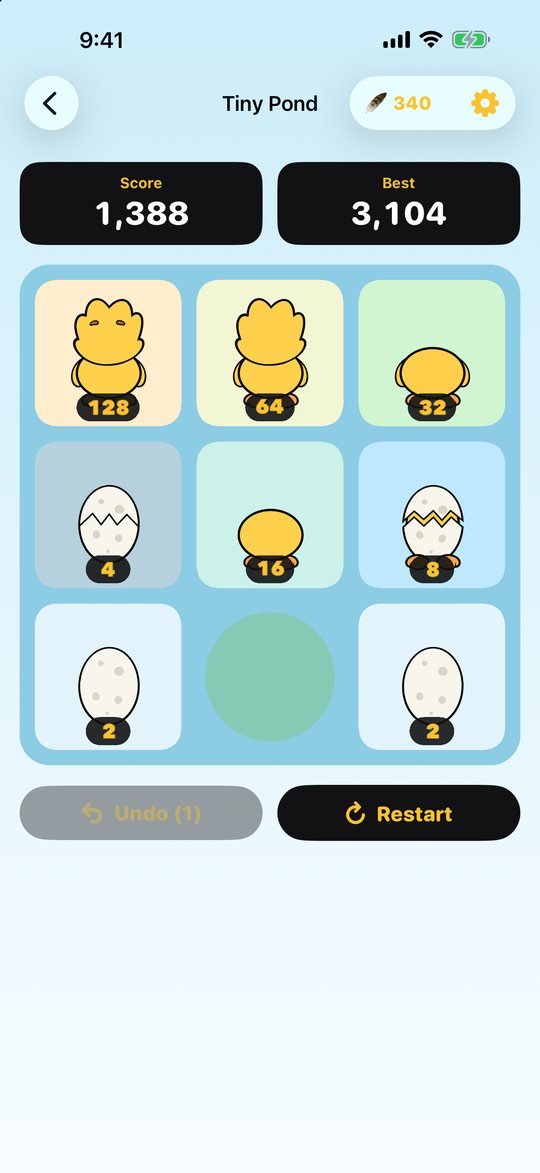
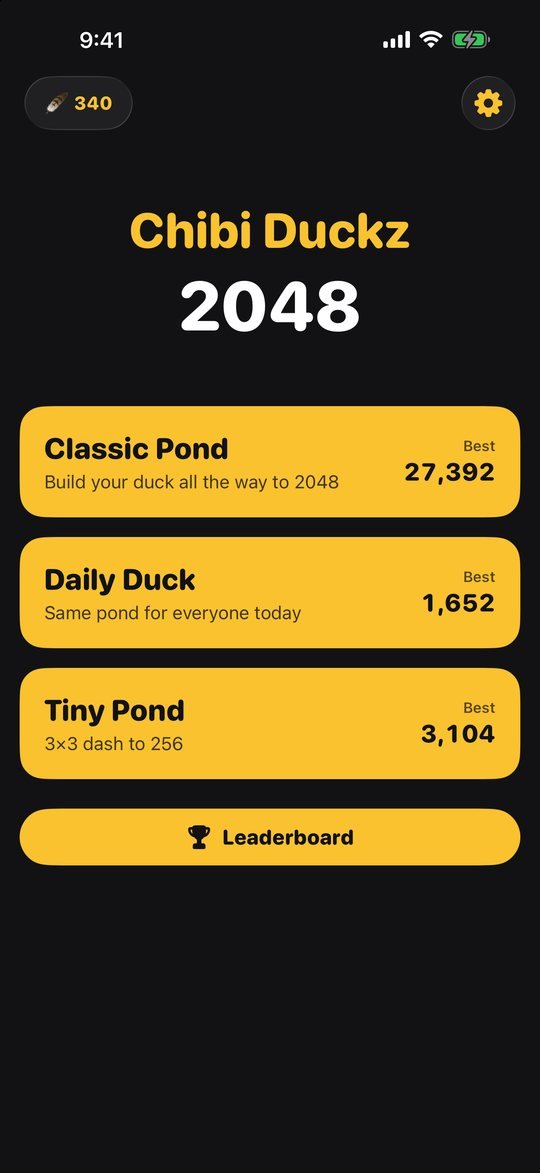
Swipe, merge, repeat
Swipe any way
Every tile slides as far as it can: up, down, left or right.
Merge matches
Two tiles with the same number join into one worth double, and your score goes up.
Watch the eggs
A new egg, a 2 or sometimes a 4, appears after every swipe. Keep room for it.
Hatch the golden duck
Make 2048 to win. The game ends when the pond is full and nothing can merge.
A long game, a daily game, a quick game
Classic Pond
The full build, from egg to golden duck. Take your time: the game saves after every swipe.
- Undo your last swipe
- Restart any time
- Keep going past 2048
Daily Duck
Everyone starts from the same pond, so every score is a fair race. A new one hatches at midnight UTC.
- One scored run, no undo
- Today and Yesterday leaderboards
- See how your Game Center friends did
Tiny Pond
Nine squares and no room to waste. Get the duck its beak before the pond fills up.
- A game in a few minutes
- Undo and restart
- Its own best score
Every merge goes bloop
The bigger the duck, the higher the note and the stronger the tap. Switch any of it off from the gear button.
What's free
- The whole game is free: all three ponds, the Daily Duck leaderboards and every duck up to 8192. Each game comes with 2 free Undos.
- Ads stay out of the way: an occasional ad between finished games, never on the board and never during Daily Duck. Want another Undo or a Revive? Watch a short ad, only if you choose to.
- Golden Feathers: earn them every game and from the Daily Duck, then spend them on an extra Undo or a Revive instead of watching an ad.
- Optional purchases: Remove Ads turns off the between-game ads for good, and Feather packs top up your Feathers. Nothing is needed to finish a game.
- No account. Your games and best scores stay on your device. Game Center is optional and only used for the Daily Duck leaderboards.
Questions
When can I play?
Chibi Duckz 2048 is out now on Google Play for Android, and coming soon to the App Store for iPhone and iPad. Tap "Get the game" to find it.
Is it free?
Yes. Every mode and every duck is free to play. The game shows an occasional ad between finished games, and Remove Ads is an optional one-time purchase that turns those off. You can also buy Golden Feathers for extra Undos and Revives, but you earn them by playing too.
Is it on Android?
Yes! Chibi Duckz 2048 is out now on Google Play for Android phones and tablets.
How does Daily Duck work?
Each day everyone starts from the same pond. You get one scored run with no Undo or Restart, and your score goes to that day's leaderboard (Game Center on iPhone, Google Play Games on Android). A new pond starts at midnight UTC.
Why can't I see my friends on the leaderboard?
Sign in to Game Center in the iPhone Settings app, then open the Friends tab on the leaderboard and allow access to your friends list. Only friends who played that day's Daily Duck show up.
Will my game move to a new iPhone?
Not yet. Your games and best scores are saved on your device only, so deleting the app or switching phones starts fresh. Daily Duck scores on the Game Center leaderboard stay there.
Can I turn off the music?
Yes. Tap the gear button on the home screen or in a game to switch music, sound effects or haptics on and off. The game is also silent when your iPhone is on silent, and its music stays off if you're already listening to something else.

Hatch your first egg
Swipe, merge, and see how far your duck gets before the pond fills up.